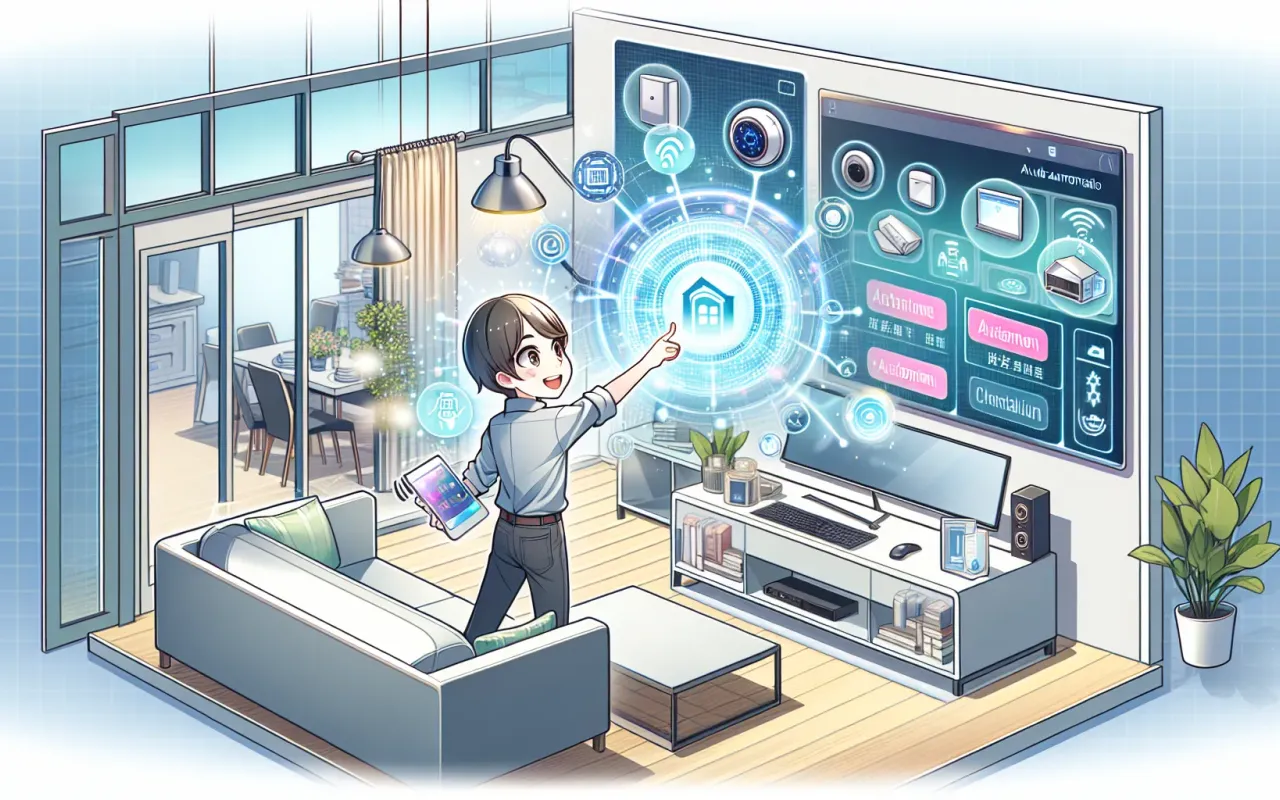
Discover an easy-to-follow guide on home automation for beginners in tech and learn how to set up smart home devices and automate your living space efficiently.
- August 2, 2024
AceShowbiz - Are you new to the world of home automation and wondering where to start? This guide is designed especially for beginners in tech. It will help you understand the basics of home automation, explore essential devices, and provide you with tips on setting up your smart home efficiently.
What is Home Automation?
Home automation refers to the use of technology to control and monitor various household systems and appliances. This can include lighting, heating, cooling, security, and entertainment systems. The goal of home automation is to increase convenience, security, and energy efficiency.
Why Home Automation?
Before diving into the technical details, let's look at some of the key benefits of home automation for beginners in tech:
- Convenience: Automate routine tasks and control devices remotely using your smartphone or voice commands.
- Energy Efficiency: Reduce energy consumption by scheduling devices to operate only when needed.
- Security: Enhance home security with smart locks, cameras, and alarm systems that can be monitored remotely.
- Comfort: Create the perfect ambiance with automated lighting and climate control.
Essential Home Automation Devices
There is a wide range of devices available for home automation. Here are some essential devices that are beginner-friendly:
1. Smart Hubs
A smart hub is the central device that connects and controls all your smart home devices. Popular options include:
- Amazon Echo: Operated by Alexa, it can control a wide range of smart devices and perform various tasks using voice commands.
- Google Nest Hub: Powered by Google Assistant, it integrates seamlessly with other Google services and smart home devices.
2. Smart Lighting
Smart lighting systems allow you to control and automate your home’s lighting. Leading brands include:
- Philips Hue: Offers a variety of smart bulbs and fixtures that can change colors and be controlled remotely.
- LIFX: Known for its high-quality, Wi-Fi-enabled bulbs that do not require a separate hub.
3. Smart Thermostats
Smart thermostats help you manage your home’s temperature more efficiently. Top options are:
- Nest Thermostat: Learns your schedule and preferences to automatically adjust the temperature.
- Ecobee: Features room sensors and integrates with various smart home systems.
4. Smart Security Systems
Enhance your home’s security with smart devices such as:
- Ring Doorbell: Allows you to see and speak to visitors remotely via your smartphone.
- Arlo Pro Cameras: Provide high-quality video surveillance and can be integrated with other smart security systems.
- August Smart Lock: Replaces your existing lock and allows you to control access via your smartphone.
Setting Up Your Home Automation System
Now that you know the key devices, let's explore the steps to set up your home automation system:
1. Plan Your Setup
Start by identifying the areas of your home you want to automate. Consider your needs and preferences to determine which devices to invest in. Create a checklist and prioritize the devices you want to add first.
2. Choose a Smart Home Ecosystem
Decide on a smart home ecosystem such as Amazon Alexa, Google Assistant, or Apple HomeKit. This will ensure compatibility and seamless integration between your devices.
3. Install and Configure Devices
Follow the manufacturer’s instructions to install and set up each device. Most devices come with a companion app that guides you through the process. Connect the devices to your Wi-Fi network and ensure they are properly configured.
4. Create Automation Routines
Once your devices are set up, create automation routines to streamline your daily tasks. For example, you can schedule your lights to turn on at sunset or set your thermostat to lower the temperature when you leave home.
5. Explore Additional Integrations
Explore additional integrations and expand your home automation system based on your evolving needs. You can add new devices and explore advanced features such as voice control and geofencing.
Common Challenges and Troubleshooting
While setting up home automation can be exciting, you may encounter some challenges. Here are common issues and solutions:
1. Connectivity Issues
If your devices are not connecting to Wi-Fi, ensure your network is stable and has sufficient coverage. Consider using a mesh Wi-Fi system to improve connectivity throughout your home.
2. Compatibility Problems
Not all devices are compatible with every smart home ecosystem. Research compatibility before purchasing and consider using a smart hub to bridge gaps.
3. Software Glitches
Occasional software bugs can occur. Keep your devices updated with the latest firmware and consult the manufacturer’s support resources for troubleshooting advice.
Conclusion
Embarking on your home automation journey can be both fun and rewarding. By starting with the right devices and planning your setup carefully, you can create a smart home that enhances convenience, security, and energy efficiency. As you gain more experience, explore advanced features and expand your system to fit your lifestyle. Home automation for beginners in tech is an exciting field with plenty of potential for innovation and optimization.