Stop tossing e-waste in the bin. Learn where to take old phones, laptops, and dead batteries safely—with specific drop-off spots and prep steps.
- May 17, 2026
That drawer full of dead gadgets is a ticking time bomb
You probably have at least three old phones, a broken laptop, and a handful of dead batteries sitting in a drawer right now. I know I did until last month. We keep them because tossing electronics in the trash feels wrong—and it is. But keeping them forever isn't the answer either.
Here's the surprising part: That single lithium-ion battery from your old smartphone can contaminate 60,000 liters of groundwater if it ends up in a landfill. That's enough water to fill 24 Olympic swimming pools. And we're not just talking about environmental damage—these batteries can actually catch fire in garbage trucks and recycling facilities, putting workers at risk.
The good news? Proper recycling is easier than you think. You don't need to drive across town or pay fees. You just need to know where to go and how to prepare your devices. Let's walk through exactly what to do with each type of electronic waste, so that drawer can finally be free.
Why your old electronics can't go in the curbside bin
Most people assume that if something is made of plastic and metal, it belongs in recycling. But electronics are a completely different beast. Your old laptop contains circuit boards with lead, mercury, cadmium, and brominated flame retardants—none of which should ever see the inside of a standard recycling facility.
When e-waste goes to a landfill, rain filters through the pile and creates a toxic soup called leachate. That liquid seeps into soil and groundwater, carrying heavy metals straight into drinking water supplies. A 2019 study from the Basel Action Network found that up to 40% of e-waste collected for recycling in the U.S. actually gets exported to developing countries, where it's often burned or dumped in rivers.
This is why dedicated e-waste recyclers exist. They use specialized processes to safely extract valuable materials—like gold, copper, and rare earth metals—while neutralizing hazardous components. The key is choosing a certified recycler, not just any company with a bin labeled "electronics."
How to find a legit e-waste drop-off near you
Start with the big retailers
Best Buy accepts most electronics for free at their in-store recycling kiosks. You can drop off up to three items per household per day, including laptops, phones, tablets, printers, and cables. They also take rechargeable batteries (lithium-ion, NiMH, NiCd) at the customer service desk—but not single-use alkaline batteries.
Staples offers similar service with a twist: They'll take any brand of tech, and they even have a tech trade-in program where you might get a gift card for working devices. Office Depot and OfficeMax also have free recycling bins for small electronics and ink cartridges.
Check your local government programs
Many cities and counties run periodic e-waste collection events. A quick search for "[your city] e-waste drop-off" will usually pull up a schedule. Some municipalities, like those in California and New York, have permanent drop-off centers funded by the state's electronics recycling laws.
If you live in an apartment, check with your building management. Some complexes now offer e-waste bins in the recycling room, especially in cities with mandatory recycling ordinances. If yours doesn't, ask—it costs them nothing to set one up through a certified hauler.
The right way to recycle batteries (they're not all the same)
Batteries are the most dangerous item in your e-waste pile, and they require different handling depending on their chemistry. Let me save you a mistake I made: Do not throw lithium-ion batteries in the regular trash or even in a mixed e-waste bin. They can spark, catch fire, and cause explosions when crushed.
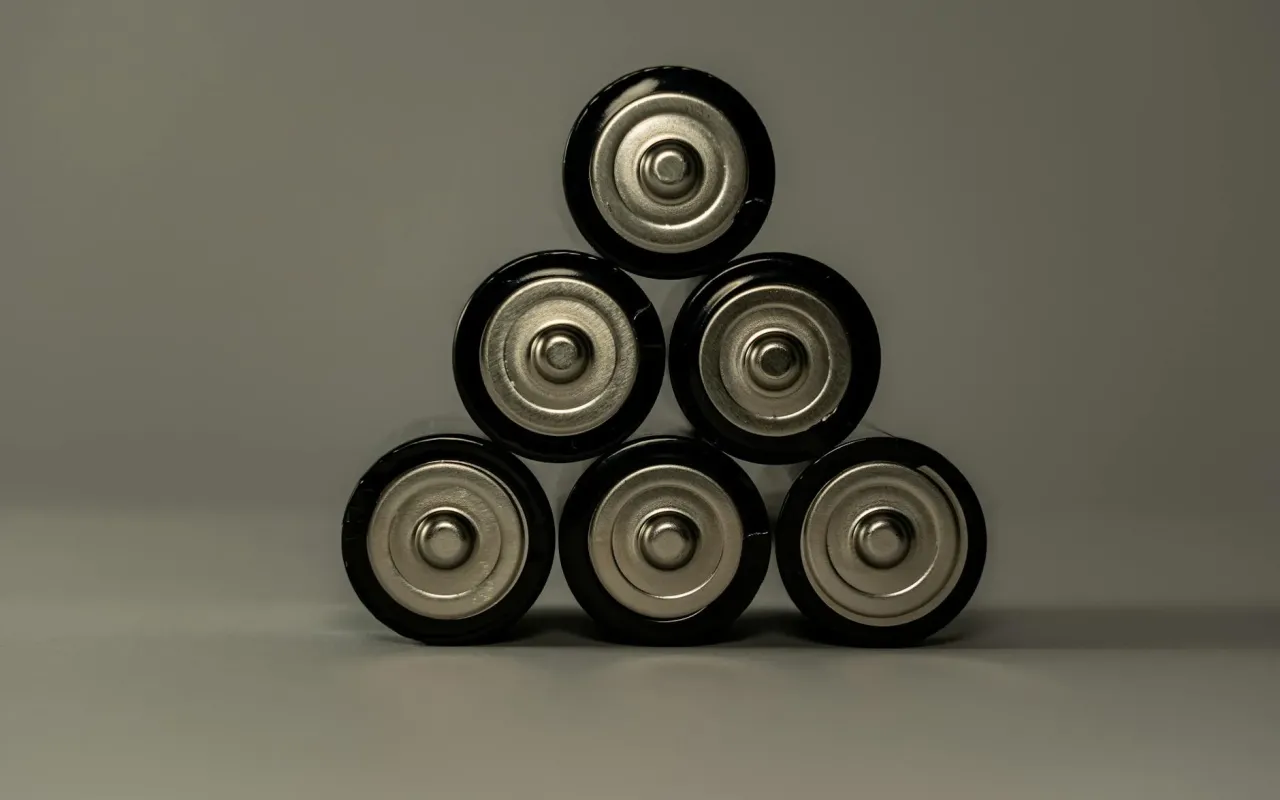
Single-use alkaline batteries (AA, AAA, C, D, 9V)
These are the common household batteries. In most states, it's actually legal to throw them in the trash since 1996's Mercury-Containing and Rechargeable Battery Management Act removed mercury from them. But that doesn't mean you should. Alkaline batteries still contain zinc, manganese, and potassium hydroxide—not great for the environment.
Better option: Many communities accept them at household hazardous waste (HHW) collection sites. Call your local waste management department and ask. Some hardware stores like Home Depot and Lowe's have drop-off bins for these too, though availability varies by location.
Rechargeable batteries (lithium-ion, NiMH, NiCd, lead-acid)
These are the ones in your phone, laptop, power tools, and electric toothbrush. They absolutely cannot go in the trash. The EPA estimates that over 3 billion batteries are discarded each year in the U.S., and only about 5% of lithium-ion batteries get recycled properly.
Here's the pro tip: Before dropping them off, tape the terminals with clear packing tape or electrical tape. This prevents the positive and negative ends from touching metal objects in the collection bin, which can cause a short circuit and fire. Seriously—do this. I've seen videos of recycling trucks catching fire because loose batteries touched a metal can.
How to wipe your data before recycling a phone or laptop
I get it—you don't want your personal photos, bank apps, or work emails ending up in someone else's hands. The good news is that factory resetting is dead simple, and you can do it in under 10 minutes.
For an iPhone: Go to Settings > General > Transfer or Reset iPhone > Erase All Content and Settings. This will also turn off Find My iPhone, which is required before recycling. For Android phones: Settings > General Management > Reset > Factory Data Reset. Make sure you've backed up anything you want to keep to the cloud or a computer first.
For laptops: On Windows, go to Settings > Update & Security > Recovery > Reset this PC. Choose "Remove everything." On Mac, restart and hold Command+R to enter Recovery Mode, then use Disk Utility to erase the drive, followed by reinstalling the OS. If you're extra cautious, you can use free software like DBAN (Darik's Boot and Nuke) to overwrite the drive multiple times.
One more thing: Remove any SIM cards and SD cards from phones and cameras. Those can be reused or recycled separately, but they're tiny and easy to forget. I once found my old SIM in a drawer two years after recycling the phone—don't be me.
What about cords, chargers, and accessories?
Those tangled cables in your junk drawer? They're valuable. Copper wiring is one of the most recyclable materials on the planet, and it's in high demand. Most e-waste recyclers accept cables, chargers, headphones, and even old power adapters for free.
Best Buy takes them at their recycling kiosks. So do Staples and Office Depot. But here's a trick: If you have a local electronics repair shop, ask if they want your old cables. Many repair shops will take working cables to resell as used, keeping them out of the waste stream entirely.
For broken accessories—like a frayed charging cable or a mouse with a dead clicker—cut off the plug end and drop the rest in e-waste. The plug itself has a small circuit board that's harder to recycle, but the copper wire inside the cable is pure gold for recyclers.
What to do with working but unwanted electronics
Not every old device needs to be recycled. If your phone, laptop, or tablet still works, consider giving it a second life. This is the most sustainable option—far better than recycling, because no energy is used to break it down and remake it.
Donate to organizations like World Computer Exchange, which refurbishes laptops for schools in developing countries. Or check with local nonprofits—many shelters, community centers, and after-school programs accept working tech. Just make sure you've wiped the data first and included the charger.
Selling is another option. Sites like Swappa, Gazelle, and Decluttr buy used electronics and handle the data wiping for you. You'll get cash or store credit, and the device goes to someone who actually needs it. Even a five-year-old iPhone can fetch $50–$100 on these platforms—way more than the $0 you'd get from recycling.
One last thing: The hidden problem of "wishcycling"
Here's a term you need to know: wishcycling. It's when you toss something in the recycling bin hoping it will be recycled, even though you're not sure. With electronics, this is dangerous. A single lithium battery in a load of mixed recycling can cause a fire that destroys an entire facility.
If you're ever unsure about whether an item is recyclable, err on the side of keeping it until you can confirm. Call your local e-waste center, check the manufacturer's website, or use Earth911's recycling search tool. It takes two minutes and could prevent a disaster.
The bottom line: That drawer of old gadgets isn't just clutter—it's a responsibility. But with a Saturday morning trip to Best Buy, a roll of tape, and a factory reset, you can clean it out safely and sustainably. Your future self (and your local groundwater) will thank you.