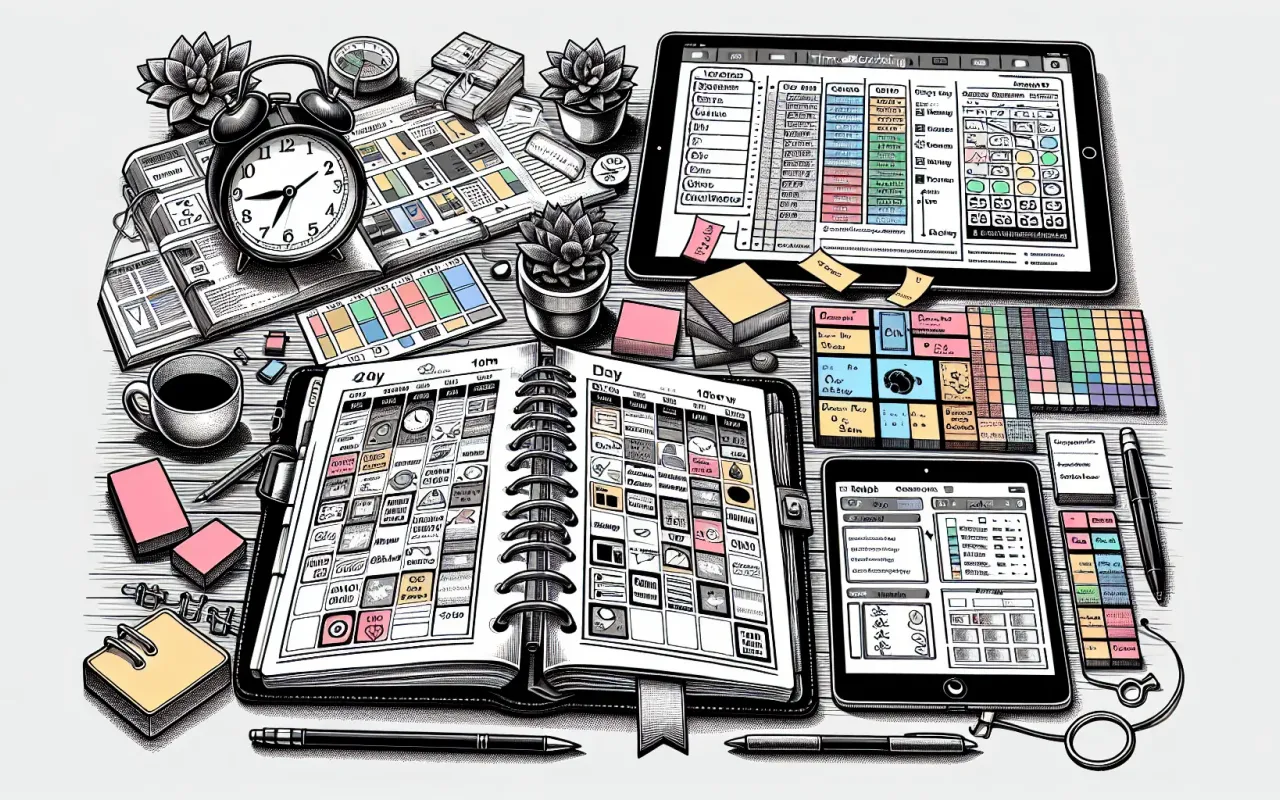
Discover how using time blocking templates for daily planning can boost your productivity. Learn effective techniques and find the best templates to stay organized.
- September 24, 2024
AceShowbiz - In today's fast-paced world, managing time efficiently is more critical than ever. Whether you are a busy professional, a student, or someone juggling multiple responsibilities, time blocking can transform how you approach your day. This article delves into the concept of time blocking and provides valuable insights on using time blocking templates for daily planning to maximize productivity.
What is Time Blocking?
Time blocking is a time management technique that involves dividing your day into blocks of time, each dedicated to completing specific tasks or responsibilities. By allocating distinct chunks of time to different activities, you can focus more intently on each task and reduce the tendency to multitask, ultimately leading to higher productivity and better organization.
Why Use Time Blocking Templates?
Time blocking templates provide a structured format to plan your day effectively. These templates serve several purposes:
- Visual Organization: Templates offer a visual representation of your day's schedule, making it easier to follow.
- Reducing Decision Fatigue: Predefined blocks mean you spend less time deciding what to do next.
- Improved Focus: Scheduling focused time blocks can enhance concentration and efficiency.
- Better Time Management: Helps in tracking how your time is spent and identifying areas for improvement.
Essential Elements of Effective Time Blocking Templates
1. Clear Segmentation of Time Blocks
Your template should allow for clear and precise divisions of time slots tailored to your needs, whether in one-hour blocks, half-hour intervals, or otherwise.
2. Priority Assignments
Having a column or section for prioritization ensures that the most crucial tasks get accomplished within their allocated time spans.
3. Flexibility and Customization
An effective template must be adaptable to fit your specific needs and preferences, whether you are planning for a workday, study schedule, or personal duties.
4. Breaks and Buffer Time
Incorporating periods for rest and buffer zones between tasks can prevent burnout and account for unexpected tasks.
Top Time Blocking Templates for Daily Planning
Here are some of the best time blocking templates available to streamline your daily planning:
1. Simple Hourly Planner
This template divides the day into hourly segments, from morning to evening. It is ideal for those who have a mixture of fixed appointments and flexible tasks.

2. Detailed Daily Planner
The Detailed Daily Planner is tailored for those who require more specificity, breaking the day into 30-minute intervals and including sections for top priorities, notes, and to-do lists.

3. Theme-Based Planner
This planner categorizes days into themes, such as 'Meeting Monday' or 'Workout Wednesday,' allowing focus on similar tasks. It’s excellent for individuals who benefit from thematic consistency.

4. Digital Planner Apps
Apps like Trello, Notion, and Google Calendar offer customizable time blocking templates suitable for those who prefer digital organization with cloud accessibility.
Using these digital options adds flexibility and can synchronize across multiple devices.

Implementing Time Blocking in Your Daily Routine
Step 1: Identify Core Tasks and Priorities
Start by listing all the tasks that need completion. Identify both high-priority work and regular duties to structure your day.
Step 2: Allocate Time Blocks
Distribute your tasks across specific time periods. Be realistic about how long each task will take and include buffer times to handle interruptions.
Step 3: Use Templates and Tools
Choose a template that fits your needs, print it out or use a digital planner, and start filling in your schedule. Tools like alarm reminders can be integrated to stick to your planned blocks.
Step 4: Review and Adjust
At the end of the week, review how effectively you followed your plan. Make necessary adjustments for the coming week to improve your time management continually.
Overcoming Common Challenges
Adopting a new time management strategy can be challenging. Here are solutions to some common obstacles:
Challenge: Underestimating Time Needed
Solution: Start by allocating more time than you think you need for each task. Gradually adjust as you become more proficient at estimating accurately.
Challenge: Unplanned Interruptions
Solution: Incorporate buffer time to manage unforeseen interruptions without derailing your entire schedule.
Challenge: Rigidity and Stress
Solution: Stay adaptive. If a time block is missed, don’t stress. Rearrange your schedule as needed and maintain flexibility.
Conclusion
Time blocking templates for daily planning can be revolutionary for those looking to maximize productivity and time management. By providing structure, reducing decision fatigue, and enhancing focus, these templates offer a simple yet effective solution to daily planning challenges.
Start with one of the recommended templates, customize it to fit your lifestyle, and experience the improvement in productivity and efficiency for yourself.