
Buffering during movie night usually stems from weak Wi-Fi, outdated hardware, or insufficient subscription tiers rather than a poor TV, so identifying the weakest link in your setup can fix the problem..
- July 24, 2026
AceShowbiz - A better streaming experience rarely starts with a new TV. Faster Wi-Fi, smarter hardware, the right service tier, and a bit of privacy can quietly transform how your household watches, both at home and on the road.
Finding the Real Cause of Buffering
Picture the scene: the whole house has cleared its evening for the finale everyone's been posting about, and the screen locks onto a spinning loader. True streaming quality leans on a handful of things working together, so the solution is rarely a brand-new television. Instead, the fix often lies in a chain of factors, including your service plan, Wi-Fi performance, the hardware running your apps, and the privacy tools humming in the background.
So where should you actually start? The most effective approach is to identify the weakest link in that chain. For some homes, that's a router gasping under six connected screens; for others, it's a smart TV interface that has aged badly since the box was first opened. Sorting out the real bottleneck before you spend a cent saves money and a lot of frustration.
It Might Be Your Subscription Plan
The first place to check is often the service you pay for every month, since your subscription tier shapes both picture quality and the number of people who can watch at once. Netflix still leads the pack, with over 230 million subscribers worldwide, and bumping up to its Premium tier unlocks Ultra HD 4K and HDR on supported sets. Premium also allows up to four simultaneous streams, which matters when one person wants a true-crime documentary and someone else is halfway through a K-drama.
Rivals have kept pace on convenience. Prime Video handles 4K playback and offline downloads across many titles, and Amazon has rolled out Clips, a scrollable short-form feed built to help you find something to watch on the living-room screen. Before you upgrade anything, match what you pay for against how your household actually watches; the priciest plan isn't always the right one.
When a Smart TV Isn't Smart Enough
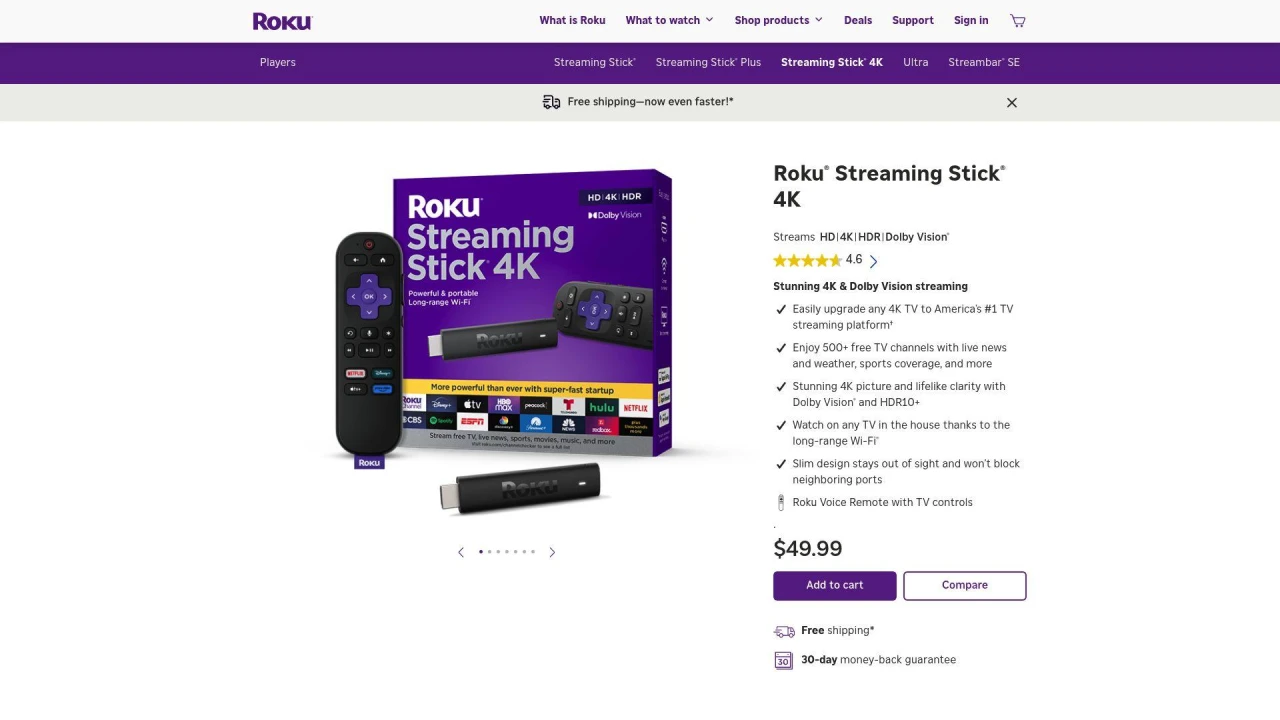
If your plan is solid but the experience is still clunky, the next link to check is the software you use every night. Built-in smart TV software tends to age faster than the panel behind it, but a Roku player can swap a sluggish proprietary menu for a fast, dedicated operating system that plugs in over HDMI. This simple upgrade can spare you the cost of replacing a set that still looks great. Its grid layout leans on universal search, pulling results across services to track down a film or live event, and there's even private listening through the mobile app, which routes audio to your headphones so a late-night episode doesn't wake the house.
For tighter integration with the gadgets you already own, premium hubs are built for that. Apple TV 4K suits iPhone and Mac households, supporting 4K HDR, Dolby Vision, and Dolby Atmos while doubling as a HomeKit smart-home hub. Meanwhile, Google TV answers for Android homes, aggregating content across subscriptions, keeping Chromecast casting built in, and leaning on Google Assistant for voice search and personalized picks.
The Unseen Culprit: Your Home Network
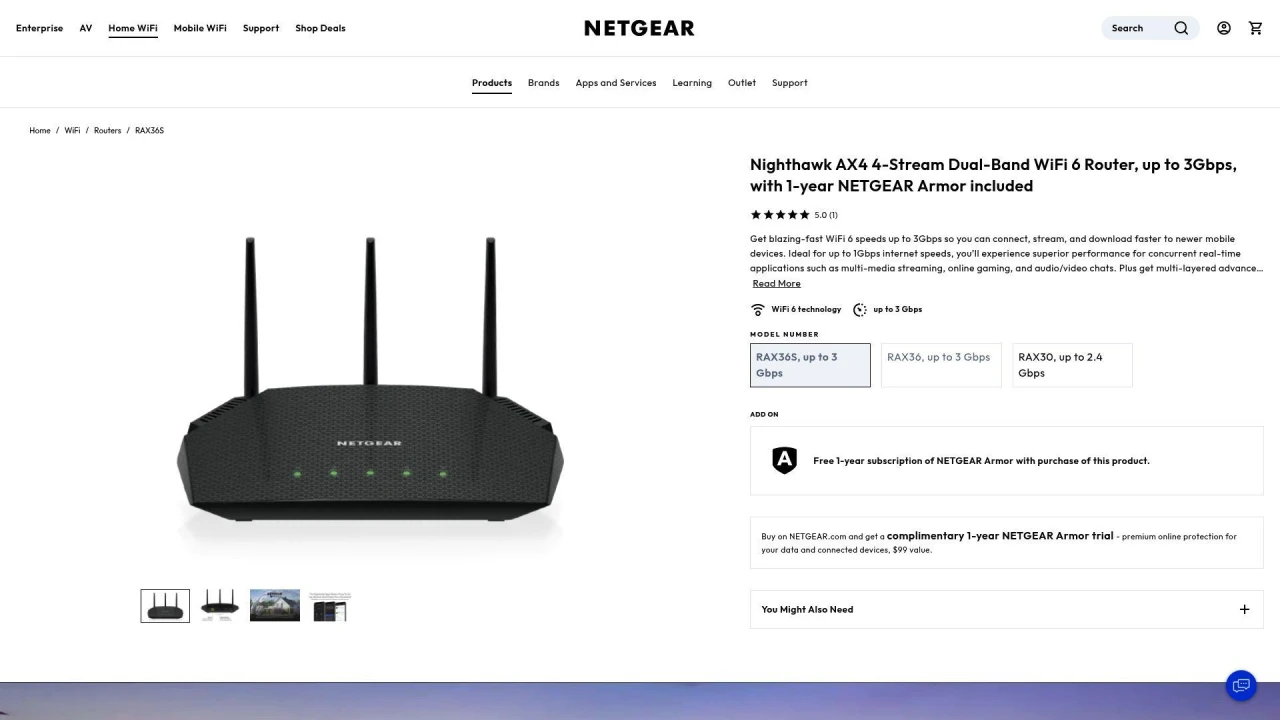
Even a brand-new streaming device can't overcome a shaky foundation. Plenty of streaming meltdowns trace back to the local network rather than the app, as weak signals and crowded bands cause buffering right when everyone's online. Older routing hardware especially struggles with the traffic modern media habits generate. Upgrading the router can steady connections across TVs, phones, and game consoles at the same time. NETGEAR, for instance, says its dual-band Wi-Fi 7 routers deliver multi-gigabit speeds designed to support high-bandwidth 4K feeds with lower latency, while improved coverage trims dead zones in larger homes. Many models also add router-level security alongside simple device management controls.
Securing Your Stream on the Go
A stable home setup is one thing, but a different set of challenges arises on the road. Log into hotel or airport Wi-Fi, and you're sharing that network with strangers, which is exactly when privacy tools earn their place. A good VPN for streaming encrypts your connection and keeps your activity private on public networks. Providers such as IPVanish run large server networks and pair AES-256 encryption with an independently audited no-logs policy, and demand for these tools has climbed as travelers grow more privacy-conscious. One caveat worth repeating: always follow the terms of the streaming services you subscribe to.
A smarter setup starts with the weakest link
The best upgrade is the one that targets your actual bottleneck. Faster networking, a modern interface, the right service tier, and dependable privacy tools each move the needle on everyday viewing. Together they deliver higher resolutions, fewer interruptions, and steadier security on the go, all without the expense of a brand-new TV.