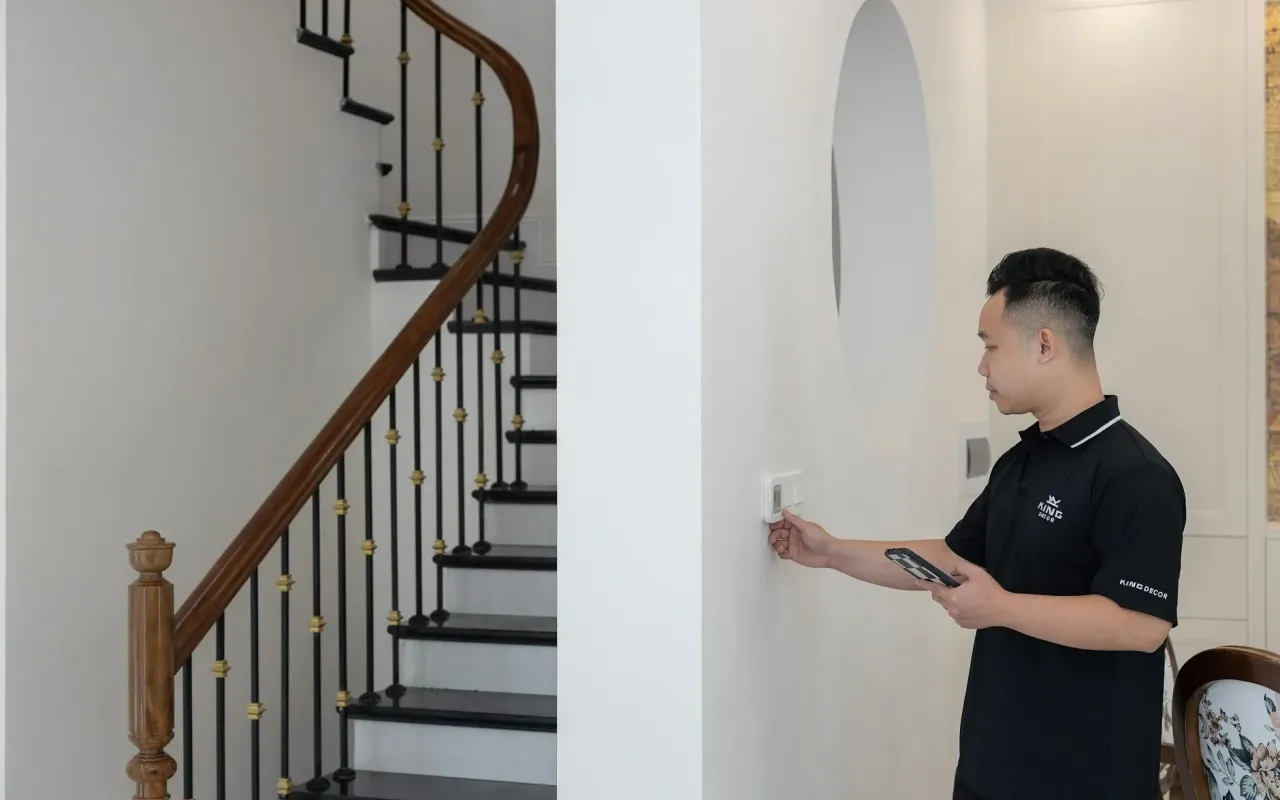
Your smart thermostat isn't saving energy on its own. Learn the specific settings and schedules that actually lower your bills without sacrificing comfort.
- March 24, 2026
Your Smart Thermostat Isn't As Smart As You Think
You bought that sleek smart thermostat with the best intentions. You wanted to save money, be a bit more eco-friendly, and maybe impress your friends with your tech-savvy home. But here's the uncomfortable truth: if you just installed it and let it run on its default settings, it's probably not doing much more than your old clunky dial did. In fact, a study by the Natural Resources Defense Council found that many smart thermostats are underutilized, with users failing to program them effectively, leaving significant energy savings on the table.
The magic isn't in the device itself. It's in the strategy behind it. A smart thermostat is a brilliant tool, but it's not a mind reader. It needs you to tell it your life's rhythms—when you're home, when you're asleep, when you're out for the day. Without that guidance, it's just a very expensive way to keep your house at one constant, costly temperature. The good news? A few intentional tweaks can transform it from a digital decoration into your home's chief energy officer.
So, let's move beyond the novelty. This isn't about complex programming or becoming a HVAC expert. It's about understanding a few core principles and applying them to your daily life. The goal is comfort when you need it, and savings when you don't. Ready to make that shiny gadget earn its keep? Let's dive into the settings that actually matter.
The Golden Rule: Embrace the Setback
Forget everything else for a moment. The single most powerful concept for saving energy with any thermostat is the "setback." This simply means intentionally letting the temperature drift to a less extreme level when you don't need full comfort. In winter, you set the heat lower when you're away or asleep. In summer, you let the indoor temperature rise a bit during those same times. Your HVAC system gets a break, and your wallet gets a reprieve.
Why does this work so well? Your heating or cooling system doesn't run at a constant rate. It works hardest to maintain a specific, narrow temperature band. The bigger the difference between the indoor temperature and the outdoor temperature, the harder it works. By allowing a modest setback of 7-10 degrees Fahrenheit for 8 hours a day, you can save up to 10% annually on your heating and cooling bills, according to the U.S. Department of Energy. That's real money for virtually no discomfort.
Think of it like this: you wouldn't leave your car running in the driveway all day just so it's warm when you need to go to the store. Your house is the same. There's no need to keep it at a perfect 72°F when you're under a warm comforter or sitting in an office ten miles away. The setback is your off-switch for waste.
Actionable Takeaway: Set Your Baseline Temperatures
Open your thermostat app right now. Define what "comfort" means for you in each season. A good starting point is 68°F for heating and 78°F for cooling when you are awake and at home. These aren't mandates, but they are energy-efficient benchmarks. Your "away" or "sleep" temperatures should then be set 7-10 degrees from these baselines. In winter, set sleep/away to 60-62°F. In summer, set them to 82-85°F. Your system will handle the rest.
Mastering the Schedule: Your Life in a Calendar
This is where your thermostat becomes truly "smart." The schedule function automates those setbacks based on your weekly routine. Most people have a predictable pattern: weekdays look one way, weekends might look another. By inputting this pattern, you ensure savings happen automatically, without you having to remember to adjust the dial every time you walk out the door.
Be specific with your time blocks. Don't just have "Home" and "Away." Break it down. A typical weekday schedule for someone who works 9-5 outside the home might have: Wake (6-8 AM) at comfort temperature, Away (8 AM - 5 PM) at setback temperature, Home (5-10 PM) at comfort temperature, and Sleep (10 PM - 6 AM) at setback temperature. The thermostat will seamlessly transition between these periods, so you come home to comfort without having heated or cooled an empty house all afternoon.
For weekends, create a separate schedule. Maybe your "Away" block is shorter or non-existent. Perhaps you sleep in, so your "Wake" period starts at 9 AM. The key is accuracy. If your schedule is erratic, that's okay—we'll cover that next. But if you have any semblance of a routine, programming it is the lowest-effort, highest-reward action you can take.
Actionable Takeaway: Program Your Weekly Template
Block out 20 minutes this evening. In your app, locate the schedule editor. Start with weekdays. Create four time periods (Wake, Away, Home, Sleep) with the corresponding temperatures from the Golden Rule above. Then, duplicate that schedule for Saturday and Sunday and modify the times to fit your weekend rhythm. This one session of upfront work pays dividends every single day thereafter.
Leveraging Smart Features: Geofencing and Learning
If your schedule is unpredictable, the smart features become your best friend. Two of the most powerful are Geofencing and Learning (or Auto-Schedule). These features move your thermostat from being programmed to being adaptive.
Geofencing uses your smartphone's location to tell your thermostat when you're leaving or coming home. You set a perimeter around your house (usually a few miles). When the last family member's phone leaves that zone, the thermostat switches to "Away" mode. When the first phone re-enters the zone, it starts returning to "Home" comfort. This is perfect for shift workers, frequent travelers, or anyone with a dynamic social life. It ensures you never pay to condition an empty house, even on a random Tuesday afternoon.
The Learning or Auto-Schedule feature takes a different approach. For the first week or two, you manually adjust the temperature when you want a change (turning it down before bed, turning it up when you wake). The thermostat detects these patterns and builds a custom schedule for you. It's a "set it and forget it" approach that works well if you're consistent but can't be bothered with programming. A word of caution: if your routine is truly chaotic, the learning algorithm can get confused. In that case, geofencing is often the better choice.
Actionable Takeaway: Activate One Smart Feature
Don't try to use every feature at once. Pick one that suits your lifestyle. If you and your housemates always have your phones, enable geofencing in the app's settings. If your routine is regular but you hate menus, use the learning mode for a week and let it observe your adjustments. Test it for a month and see if it accurately predicts your needs.
The Hidden Settings That Make a Difference
Beyond schedules and smart features, your thermostat's advanced settings menu holds keys to extra efficiency. These are often overlooked but can fine-tune performance and prevent energy waste.
First, find the Heat/Cool Differential (or "Swing") setting. This is the temperature range your system allows before kicking on. A wider differential (e.g., 2 degrees) means your system turns on less frequently but runs longer cycles. A narrower one (e.g., 0.5 degrees) keeps temperature more precise but may cause more frequent, shorter cycles, which can be less efficient for some systems. For most homes, a 1 to 1.5 degree differential is a good balance of comfort and efficiency.
Second, look for Adaptive Recovery (or "Smart Recovery"). This brilliant feature calculates how long it takes to bring your home from a setback temperature back to comfort. If your schedule says "Home at 5 PM," it might start heating or cooling at 4:15 PM so the house reaches 68°F by 5 PM on the dot. Without this, your system might kick on right at 5 PM, leaving you in an uncomfortable house for an hour. This ensures comfort while still maximizing the time spent in energy-saving setback.
Finally, check Equipment Runtime Reports if your thermostat offers them. This data shows you exactly how many hours per day your heating or cooling system is running. It's a powerful awareness tool. If you see your AC running for 12 hours a day in mild weather, you know something is off—perhaps a filter is clogged, or your setbacks aren't aggressive enough.
Actionable Takeaway: Adjust Your Differential
Navigate to your thermostat's advanced installation or system settings (often behind a "pro" menu). Find the temperature differential setting. If it's set very narrowly (like 0.5°F), consider changing it to 1.5°F. This small change can reduce short-cycling, easing wear on your system and potentially saving energy.
Seasonal Strategy: Adjusting for Winter, Summer, and Shoulder Seasons
Your optimal settings aren't static year-round. They should shift with the seasons. A "set it once and forget it" mentality misses opportunities for savings during the milder months of spring and fall, often called the shoulder seasons.
During peak summer, your strategy is all about minimizing AC runtime. Stick to the 78°F home / 85°F away baseline. Make use of ceiling fans, which create a wind-chill effect allowing you to raise the thermostat about 4°F with no loss of comfort. Ensure your thermostat isn't in direct sunlight or near a heat-producing appliance, as this will cause it to over-cool your home.
In the depths of winter, the 68°F home / 60°F sleep rule is your guide. Leverage the sun: open south-facing window coverings during the day to let in free solar heat, and close them at night to add insulation. If you have a heat pump, locate the "Auxiliary Heat Lockout" setting. This prevents expensive backup electric heat from engaging unless the outdoor temperature drops below a certain point (often around 35°F), forcing the more efficient heat pump to do the work.
The shoulder seasons are your biggest win. On days where the outdoor temperature is between 60°F and 75°F, turn your system off completely. Use the "Hold" or "Temporary" function to override the schedule. Open windows to create cross-ventilation. The goal is to let your home's natural thermal mass and the outdoor air do the work. Your HVAC system should be your last resort, not your first.
Actionable Takeaway: Conduct a Seasonal Audit
Four times a year—at the start of each season—open your thermostat app. Review and update your schedule temperatures. In spring and fall, set wider, more aggressive setbacks since the weather is milder. Check that smart features like geofencing are still active. This five-minute ritual keeps your settings aligned with the real world outside your door.
Beyond the Thermostat: System Health and Home Habits
Even a perfectly programmed thermostat can't overcome a struggling HVAC system or a leaky house. Your thermostat is the conductor, but the orchestra needs to be in tune. Pairing smart settings with basic home maintenance multiplies your savings.
Start with the simplest task: change your air filter regularly. A dirty filter restricts airflow, forcing your system to work harder and longer to heat or cool your home. For most 1-3 inch filters, check monthly and change at least every 90 days. This alone can improve system efficiency by 5-15%. Next, ensure your vents are open and unblocked by furniture or rugs. Closed or blocked vents create pressure imbalances that reduce efficiency.
Consider your home's envelope. Do you feel drafts near windows or doors? A cheap tube of caulk or a package of weatherstripping can seal those leaks, making it much easier for your wisely programmed thermostat to maintain temperature. In the winter, a programmable smart thermostat works best when the heat it calls for stays inside.
Finally, think holistically. Your thermostat controls the climate, but your habits create it. In winter, wearing a sweater and using a blanket on the couch lets you comfortably lower that "Home" temperature by another degree or two. In summer, using blinds to block the afternoon sun, running exhaust fans after showering, and cooking outdoors on hot days all reduce the internal heat load your AC has to fight against.
Actionable Takeaway: Schedule a Filter Reminder
Right now, open your calendar app. Set a recurring reminder for the first day of every month that says "Check HVAC Filter." When you check it, if it looks gray and dusty, replace it. This single habit protects your equipment and ensures the energy savings from your smart settings aren't being undone by a clogged system.
Transforming your smart thermostat from a passive gadget into an active energy manager isn't about grand gestures. It's the sum of these small, intentional settings and habits. You started with a device that promised savings. Now, you have the specific, actionable knowledge to make that promise a reality. The power isn't just on your wall; it's in the choices you program into it.