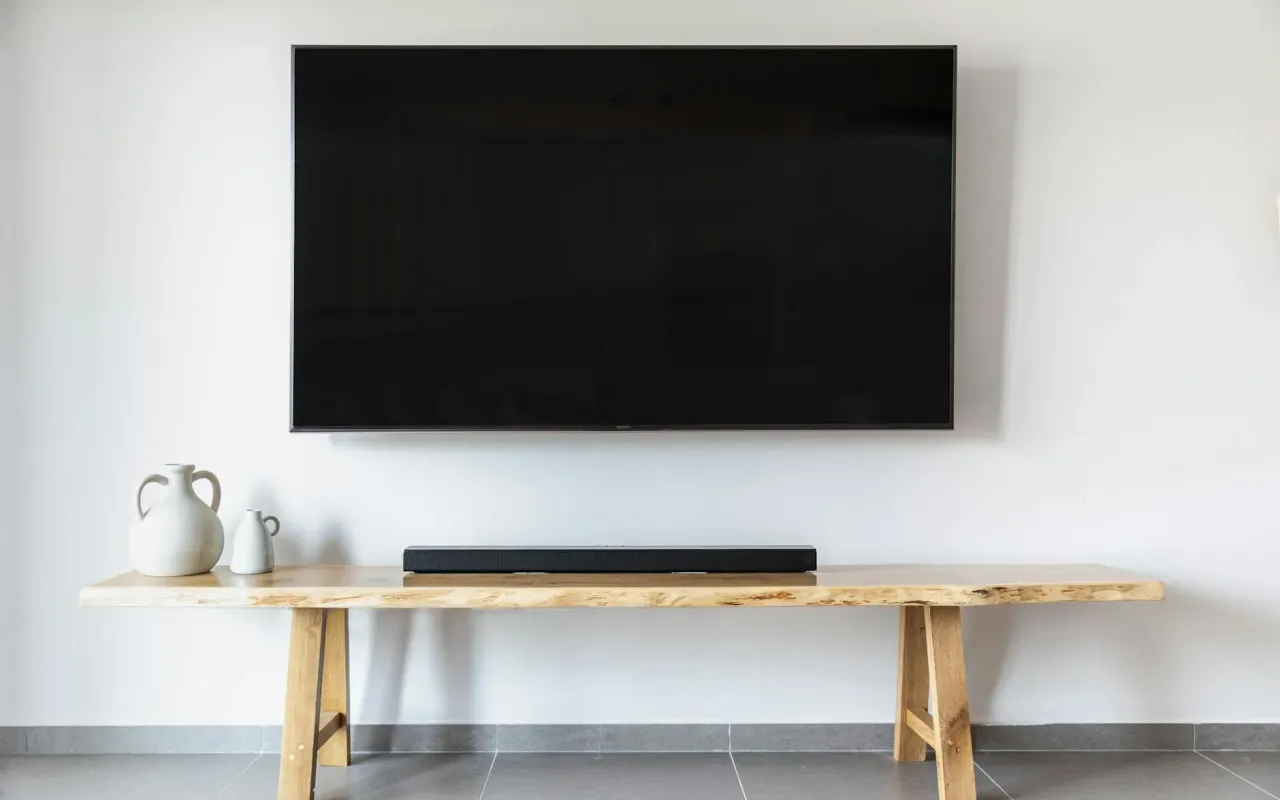
Learn the safe way to hang your TV on drywall. Avoid costly mistakes with our practical guide to finding studs, choosing mounts, and securing your screen.
- March 24, 2026
That Sinking Feeling: Why Your Drywall Isn't Enough
You've got the perfect spot picked out. The TV will sit flush against the wall, cables hidden, creating that clean, modern look you've been envisioning. But then, a quiet doubt creeps in. You tap the wall and hear a hollow sound. That thin layer of drywall is all that stands between your sleek new 65-inch screen and a catastrophic crash to the floor.
This isn't an irrational fear. Standard 1/2-inch drywall, the most common type in homes, can only support about 1.3 pounds per square inch when a force is applied perpendicular to it, like a screw being pulled straight out. A modern 55-inch LED TV might weigh 35 pounds, but with the leverage of a tilting or extending mount, the pull-out force on the top screws can multiply dramatically. Hanging it directly into the drywall alone is an invitation for failure.
The "so what" is simple: a failed mount means a destroyed television, potential damage to your floor or furniture, and a significant safety hazard. The good news is that with the right knowledge and about an hour of your time, you can anchor your TV with absolute confidence. It all starts with understanding what's behind that blank wall canvas.
The Detective Work: Finding the Bones of Your Wall
Before you even pick up a drill, your most critical task is locating the studs. Studs are the vertical wooden or metal frames, typically spaced 16 or 24 inches apart, that your drywall is screwed to. They are the structural backbone you must attach to. Relying on guesswork or old outlet locations is a recipe for disaster.
Start with a high-quality stud finder. Don't cheap out on the $10 model; a decent electronic finder that can detect edges and center points is worth its weight in gold. Calibrate it on a section of wall you know is solid (like near a corner) before scanning. Mark the edges of each stud with a pencil, then confirm the center. For absolute certainty, use a small-diameter drill bit to make a test hole in the center of your marked stud. If you hit solid wood after going through the drywall, you've struck gold.
What if your studs are in the wrong place for your ideal TV position? This is a common frustration. You have three choices: center the TV mount on a single stud and use specialized hollow-wall anchors for the other side (only for smaller, lighter TVs under 40 inches), use a mount with a wide horizontal bar that can span to two studs, or reconsider the TV's placement. The safest rule is this: for any TV over 40 inches or any mount that articulates, you must hit at least two studs.
When Stud Finders Fail: Alternative Methods
If your stud finder is giving inconsistent readings, try the old-fashioned tap test. Knock on the wall with your knuckle. A hollow sound indicates cavity space, while a solid, dull thud suggests a stud. You can also remove the cover plate from a nearby electrical outlet or light switch. The electrical box is almost always attached to the side of a stud. Carefully insert a thin nail or wire into the wall next to the box to determine which side the stud is on.
Choosing Your Weapon: Picking the Right TV Mount
Not all mounts are created equal, and the wrong choice can undermine all your careful stud-finding work. Mounts are categorized by their range of motion, and your choice should be dictated by your room's layout and viewing habits.
A fixed or low-profile mount holds the TV flush against the wall. It's the most stable and discreet option, putting the least strain on the wall anchors because there's no leverage. This is an excellent, simple choice for rooms where you'll always watch from directly in front of the screen.
A tilting mount allows you to angle the TV vertically, which is perfect for mounting higher above a fireplace or on a tall wall to combat glare and improve the viewing angle. The tilting mechanism adds some leverage, making secure stud attachment even more critical.
An articulating or full-motion mount has one or two arms that let you pull the TV away from the wall, swivel it left or right, and tilt it. This is the ultimate in flexibility for corner placements or rooms with multiple seating areas. However, this design creates the most significant pull-out force on the top screws when the arm is extended. The mounting bracket must be anchored with extreme care, always into studs.
Check the mount's specifications for its VESA compatibility (the pattern of screw holes on the back of your TV) and its weight capacity. Your TV's weight should be no more than 75% of the mount's rated capacity for a safety buffer, especially for articulating models.
The Toolbox: What You Actually Need (And What You Don't)
You don't need a contractor's workshop, but having the right few tools will make the job smooth and safe. The core kit includes a power drill (a cordless model is ideal), a screwdriver bit set, a level (a 24-inch model is best), a stud finder, a pencil, and a tape measure. A socket wrench set is often needed for tightening the bolts that connect the TV to the mount's arms.
The fasteners are where people go wrong. For attaching the wall plate to studs, you'll need heavy-duty lag bolts or structural screws. The mount will usually come with hardware, but it's often generic. Verify that the provided lag bolts are long enough to penetrate at least 1.5 inches into the stud itself. For a 1/2-inch drywall sheet, that means a bolt at least 2 inches long. If you're mounting into metal studs, you'll need specialized self-tapping metal screws.
What about hollow-wall anchors, like toggle bolts or snap-toggles? These can be used only if one side of your mount must land in drywall between studs, and only for smaller, fixed-mount TVs. They are not a substitute for studs for the primary support of a large screen. A high-quality metal toggle bolt can hold 100+ pounds in drywall, but the dynamic force of a moving TV is very different from a static weight.
A pro tip: use painter's tape to mark the exact height and level line for your mount on the wall. It's easier to see than a pencil line and won't leave a permanent mark if you need to adjust.
The Moment of Truth: Secure Installation Step-by-Step
Now for the main event. First, attach the mounting arms to the back of your TV using the provided screws. Be sure to use the correct spacer length if your TV has a curved back. Lay the TV face down on a soft, stable surface like a blanket on a table—never on the floor. This is a two-person job for anything over 40 inches; one person to hold the TV, another to guide the mount onto the wall bracket.
Hold the wall plate up to the wall, aligning it with your stud marks and level line. Use your level to ensure it's perfectly horizontal—a crooked mount is both an eyesore and a sign of poor installation. Once level, mark the screw holes with your pencil. Drill pilot holes into the center of each stud. The pilot hole should be slightly smaller than the diameter of your lag bolt's threads; this helps the wood grip the bolt tightly.
Secure the wall plate to the studs using your lag bolts and drill. Tighten them firmly, but don't strip the wood by over-torquing. The plate should not wiggle at all. Then, with help, lift the TV and carefully hook the mounting arms onto the wall plate. You'll usually hear a definitive click or feel a secure latch engage. Double-check the security by gently trying to lift the TV off the bracket; it should be locked in place.
Managing the Aftermath: Cables and Final Checks
A clean install isn't finished until the cables are managed. Before you mount the TV, consider running cables through the wall using an in-wall power and cable kit, which includes a special power cable that meets fire code. If that's too involved, use a paintable cable raceway that runs vertically down the wall to your media console. Never just let cables dangle; the strain can pull on ports and look messy.
Once everything is up, give the TV a gentle push and pull from various angles to test the stability. There should be no creaking, shifting, or feeling of "give." Turn the TV on and watch it for a few minutes from your primary seat. This is your final check for both security and the ideal viewing angle.
Common Pitfalls and How to Sidestep Them
Even with good intentions, mistakes happen. The most frequent error is missing the stud. If you drill a pilot hole and don't hit solid wood, stop. Don't just move the mount an inch over and try again. You've now created a weak point. Patch that hole and restart your stud-finding process a few inches away.
Another pitfall is using short screws. If your lag bolt only goes 3/4 of an inch into the stud, it doesn't have enough material to grip and can tear out under weight. Always err on the side of a longer screw, as long as you're sure you won't hit plumbing or wiring on the other side of the stud (this is rare for exterior or non-bathroom walls).
Ignoring the mount's weight limit is a direct path to failure. The limit includes the weight of the TV and any soundbars you might attach to it. If you have a 50-pound TV, don't use a mount rated for 55 pounds, especially if it articulates. Go for a mount rated for 80 pounds or more.
Finally, don't rush the leveling step. A TV that's off by even a degree will look permanently crooked and drive you nuts. Take the extra minute to get it perfect. Your future self, enjoying a movie on a securely mounted, perfectly level screen, will thank you for the diligence.