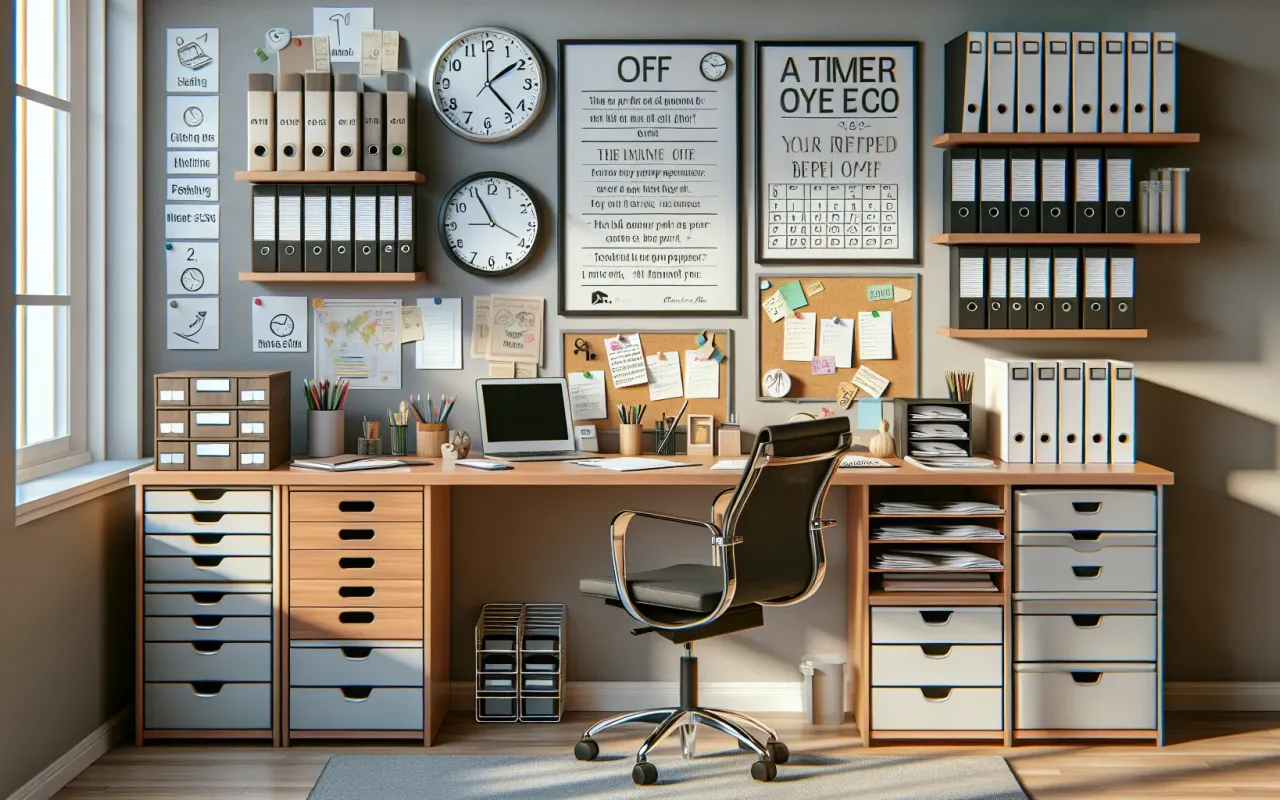
Discover 10 effective office organization tips for managing paperwork efficiently. Learn how to streamline processes and keep your workspace clutter-free.
- October 27, 2024
Managing paperwork can be a daunting task in any office environment. However, with the right strategies and tools, you can keep your workspace organized and efficiently handle documents. Below are ten practical tips to help you achieve effective office organization for paperwork.
1. Digitize Documents Where Possible
One of the most effective ways to manage paperwork is to reduce your dependence on physical documents. Scan important papers and use document management software to store files digitally. Not only does this free up physical space, but it also makes documents easier to retrieve and share.
2. Implement a Filing System
A well-structured filing system is crucial for keeping your paperwork in order. Use labeled folders and categories that make sense for your specific workflow. Consider using color-coded files to differentiate between various types of documents, such as financial records, client files, and internal reports.
3. Use a Desk Organizer
Desk organizers help keep essential documents and supplies within reach while keeping your workspace tidy. Use trays, drawer dividers, and pen cups to keep everything in its place. Regularly declutter and rearrange to ensure the system remains functional.
4. Schedule Regular Cleaning Sessions
Set aside time each week for a quick clean-up to ensure paperwork doesn't pile up. Use this time to file away completed documents, discard unnecessary papers, and tidy up your desk. Consistent maintenance prevents clutter from becoming overwhelming.
5. Use Digital Tools for Task Management
Task management software like Trello, Asana, or Microsoft To-Do can help keep track of paperwork-related tasks. Create digital checklists, set reminders, and assign deadlines to stay on top of your responsibilities. These tools can greatly reduce the need for paper-based task lists.
6. Adopt a "Touch It Once" Policy
This policy encourages handling each piece of paper only once. When you pick up a document, decide then and there whether to file it, act on it, or dispose of it. This method helps prevent papers from moving aimlessly around your desk and reduces procrastination.
7. Invest in Quality Storage Solutions
Invest in sturdy and versatile storage solutions such as filing cabinets, binders, and storage boxes. High-quality storage not only keeps your documents safe but also makes organization simpler and more efficient. Ensure they are easily accessible and appropriately labeled.
8. Shred Unnecessary Documents
For documents containing sensitive information that you no longer need, use a shredder to safely dispose of them. This prevents confidential information from falling into the wrong hands and helps keep your workspace uncluttered.
9. Utilize Cloud Storage
Cloud storage services like Google Drive, Dropbox, and OneDrive allow you to access your documents from anywhere. These services offer backup options, making sure your documents are safe even in case of hardware failure. Organize your files in the cloud with a clear folder structure for easy retrieval.
10. Train Your Team
If you're working in a team environment, ensure everyone understands and follows the established organization protocols. Conduct training sessions to demonstrate the filing system, digitization process, and proper document handling practices. Consistent application by all team members is key to maintaining a clutter-free office.
Conclusion
Effective office organization for paperwork is achievable with these ten tips. By digitizing documents, implementing a robust filing system, and utilizing the right tools, you can create a streamlined workflow that enhances productivity. Regular maintenance and team collaboration are essential to ensuring your office remains organized and efficient.