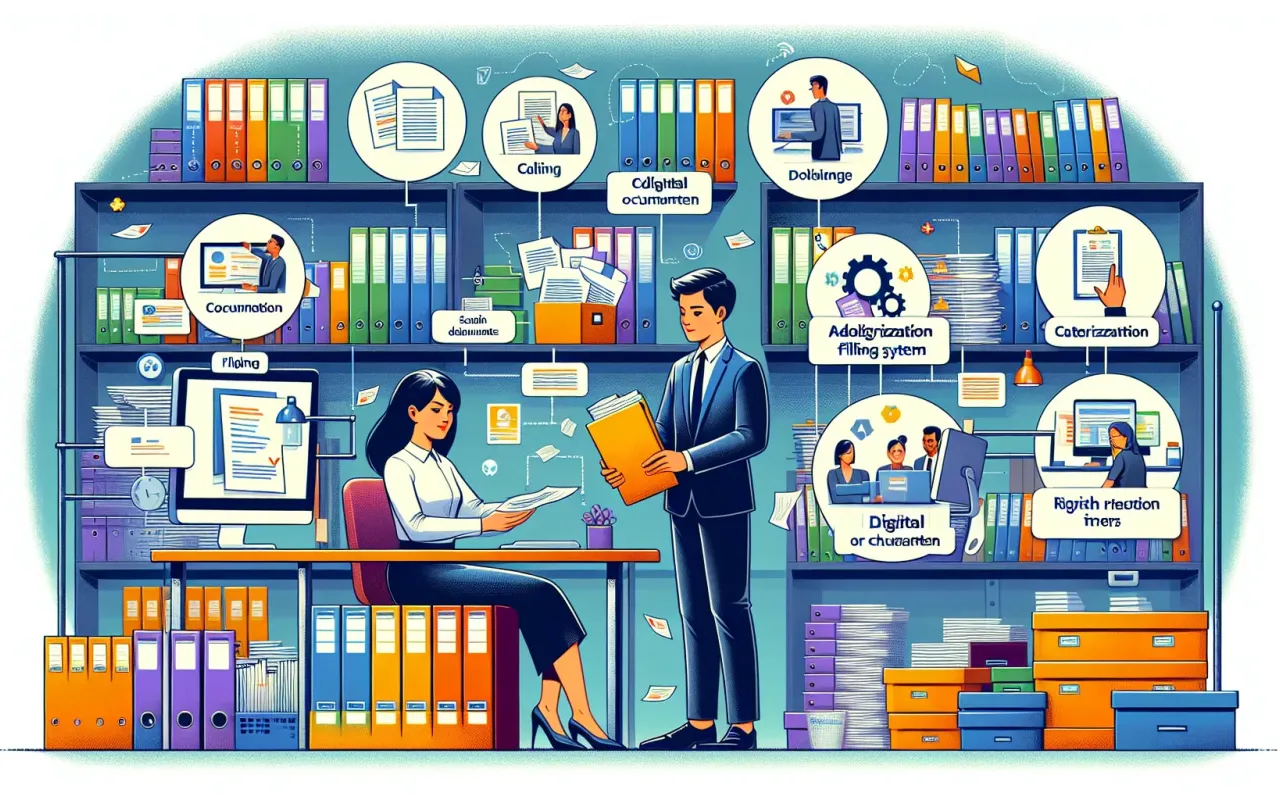
Learn how to organize documentation in a company with this comprehensive guide. Enhance efficiency, ensure compliance, and streamline processes with expert tips and strategies.
- August 25, 2024
Introduction
In any company, efficient documentation management is pivotal to maintain compliance, boost productivity, and streamline processes. However, organizing documentation can be tedious and daunting without a clear strategy. This guide aims to offer an expert perspective on how to organize documentation in a company by providing actionable steps and valuable insights. Whether your company is a startup or an established enterprise, these guidelines will help you build a robust documentation system.
Why Organizing Documentation is Essential
Effective documentation management offers several benefits:
- Efficiency: Streamlined document access and retrieval processes save time and reduce frustration.
- Compliance: Proper documentation ensures compliance with legal and industry standards.
- Collaboration: Well-organized documents facilitate smoother collaboration among team members.
- Security: Controlled document access improves data security and confidentiality.
Steps to Organize Documentation in a Company
1. Identify Documentation Requirements
Begin by identifying the types of documents your company handles. These may include:
- Legal documents (contracts, licenses)
- Financial records (invoices, expense reports)
- Operational documents (procedure manuals, training materials)
- Customer records (contracts, correspondence)
2. Choose a Documentation Management System (DMS)
A Documentation Management System (DMS) is essential for organizing and storing documents efficiently. Options include:
- Cloud-based DMS: Services like Google Drive, Dropbox, and Microsoft OneDrive offer storage and collaboration features.
- On-premises DMS: Suitable for companies with stringent data security requirements, like SharePoint or Alfresco.
3. Establish Naming Conventions
Consistent naming conventions make document retrieval easier. Consider the following tips:
- Use descriptive names: Include relevant details such as date, project name, or version.
- Avoid special characters: Use hyphens or underscores instead of spaces and special characters.
- Standardize abbreviations: Ensure all team members use the same abbreviations.
4. Categorize and Index Documents
Organize documents into categories and subcategories based on their type and purpose. This structure helps in quick retrieval and better management. Common categories include:
- Finance
- Human Resources
- Operations
- Customer Relations
In addition to categorization, ensure documents are indexed with relevant metadata such as creation date, author, and keywords to facilitate easy searching.
5. Develop a Retention Policy
A document retention policy outlines how long different types of documents should be retained before they are archived or deleted. This policy ensures compliance with legal requirements and helps manage storage efficiently.
Key Components of a Retention Policy:
- Document types: Specify the types of documents covered by the policy.
- Retention periods: Define how long each document type should be kept.
- Disposal procedure: Outline the process for securely disposing of documents that are no longer needed.
6. Implement Version Control
Version control is vital to maintain document integrity and track changes. Employ a system that records different versions of a document along with the date and the person who made the changes. This practice prevents confusion and ensures that team members always have access to the most current information.
7. Train Employees
Proper training ensures that all employees understand the documentation protocol. Regular training sessions and clear guidelines help to reinforce the importance of adhering to the established system. Training should cover:
- The types of documents to be stored
- How to categorize and name documents
- The use of the chosen DMS
- Document retention policies
- Version control procedures
8. Ensure Regular Audits and Updates
Regular audits help identify gaps and areas for improvement in your documentation system. Schedule periodic reviews to ensure compliance with policies and update practices as necessary. Audits should focus on:
- Retention policy compliance
- Document categorization accuracy
- System and process efficacy
Conclusion
Organizing documentation in a company is imperative for enhancing efficiency, ensuring compliance, and fostering smooth workflows. By following the steps outlined in this guide on how to organize documentation in a company, you can develop a robust system tailored to your company's unique needs. Remember to maintain consistency, provide adequate training, and conduct regular audits to keep your documentation organized and up-to-date.
Implement these strategies and watch as your company's productivity and collaboration improve, paving the way for greater success and sustainability.