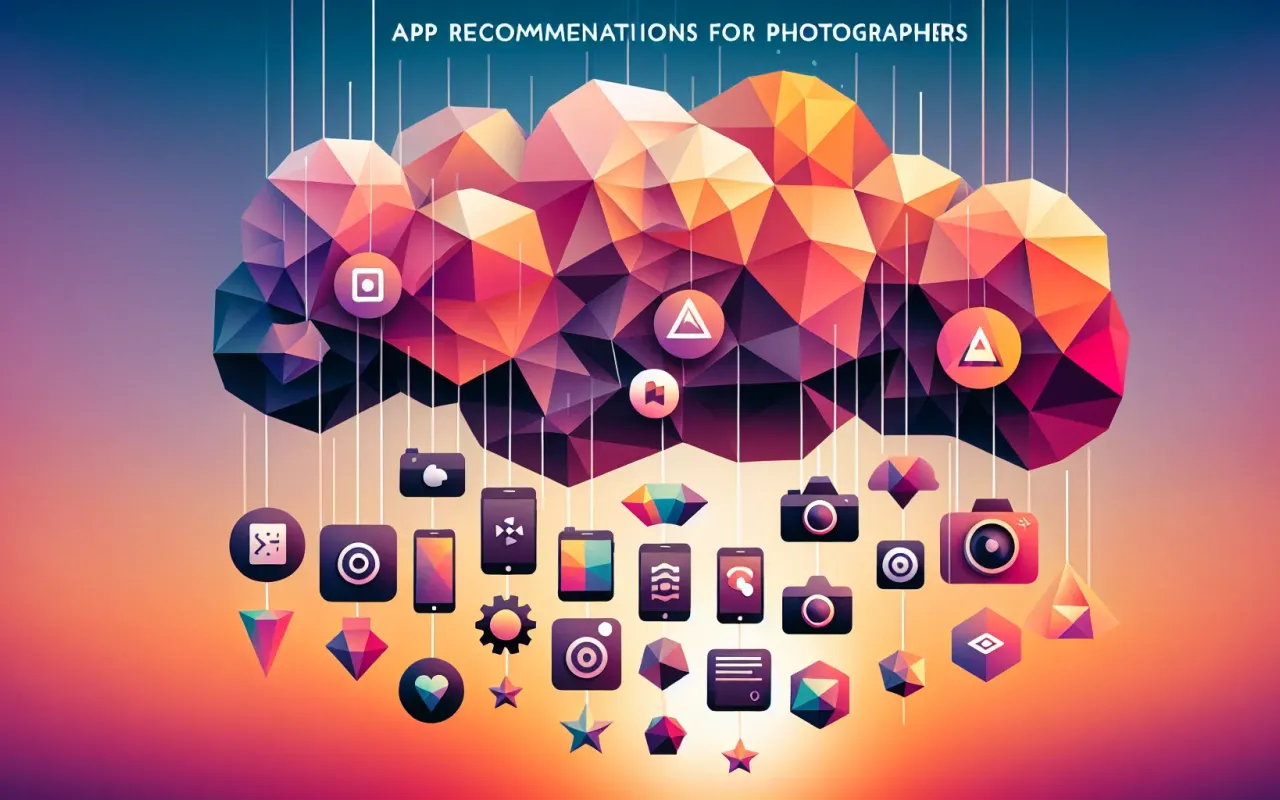
Discover the top favorite app recommendations for photographers. Enhance your photography skills with these must-have apps.
- August 19, 2024
Photography is an art form that continues to evolve alongside technology. To stay ahead in this dynamic field, photographers need tools that enhance their creativity and streamline their workflows. This article presents our top favorite app recommendations for photographers to help you take your craft to the next level. Whether you are a professional or an enthusiast, these apps offer features that cater to various needs in the world of photography.
Photo Editing Apps
1. Adobe Lightroom
Adobe Lightroom is a powerful and versatile photo editing app that is favored by photographers worldwide. The app offers intuitive controls for adjusting exposure, color balance, and more. It also supports RAW file editing, preserving the highest quality of your images. One of the standout features of Lightroom is its synchronization across devices, allowing you to start editing on one device and continue on another seamlessly.
2. Snapseed
Snapseed, developed by Google, is a feature-rich photo editing app available for free. It offers a wide range of tools and filters that enable you to fine-tune your photos with precision. Users love Snapseed for its robust set of features including selective adjustments, healing brush, and the ability to add text to images. The app supports RAW editing, making it a strong contender among professional-grade editing tools.
Camera Apps
3. ProCamera
ProCamera is an iOS app that unlocks the full potential of your iPhone's camera. It offers professional controls over exposure, focus, and white balance which are crucial for capturing high-quality images. With features like HDR, low-light mode, and advanced video recording, ProCamera is a must-have for photographers seeking to push the boundaries of mobile photography.
4. Camera FV-5
For Android users, Camera FV-5 is a fantastic option that provides DSLR-like controls on your smartphone. This app offers manual settings for ISO, focus, white balance, shutter speed, and more. It’s particularly useful for photographers who want granular control over their shot settings. Camera FV-5 also supports RAW format, enabling post-processing flexibility.
Photo Organization Apps
5. Google Photos
Google Photos is an excellent app for organizing and storing your photo library. With its robust backup features, your photos are always safe and accessible from any device. Advanced search capabilities powered by AI make it easy to find specific images based on various attributes like location and people. The app also offers basic photo editing tools and the ability to create albums and shared libraries.
6. Adobe Bridge
Adobe Bridge is a comprehensive photo management tool that integrates seamlessly with other Adobe Creative Cloud apps. It allows photographers to organize, browse, and batch-edit images efficiently. With powerful metadata management and preview capabilities, Adobe Bridge is particularly useful for professional photographers dealing with large image libraries.
Specialty Apps
7. PhotoPills
PhotoPills is an essential app for landscape photographers and astrophotographers. It provides detailed information about the position of the sun, moon, and Milky Way, which is invaluable for planning shots. The app also offers features like depth of field calculator, time-lapse planner, and augmented reality views to visualize your shots before taking them.
8. Hyperfocal Pro
Hyperfocal Pro is another useful tool for photographers focused on depth of field and hyperfocal distance calculations. This app helps you determine the optimal focusing distance and aperture settings for capturing sharp images from foreground to background. It’s particularly beneficial for landscape and architectural photographers.
Conclusion
In the ever-evolving field of photography, having the right apps can make a significant difference in the quality of your work and the efficiency of your workflow. Our favorite app recommendations for photographers cover a range of needs from editing and camera controls to photo organization and specialty tools. Each app mentioned in this article is designed to enhance your skills and help you achieve your creative vision. Explore these apps and incorporate them into your toolkit to elevate your photography game.