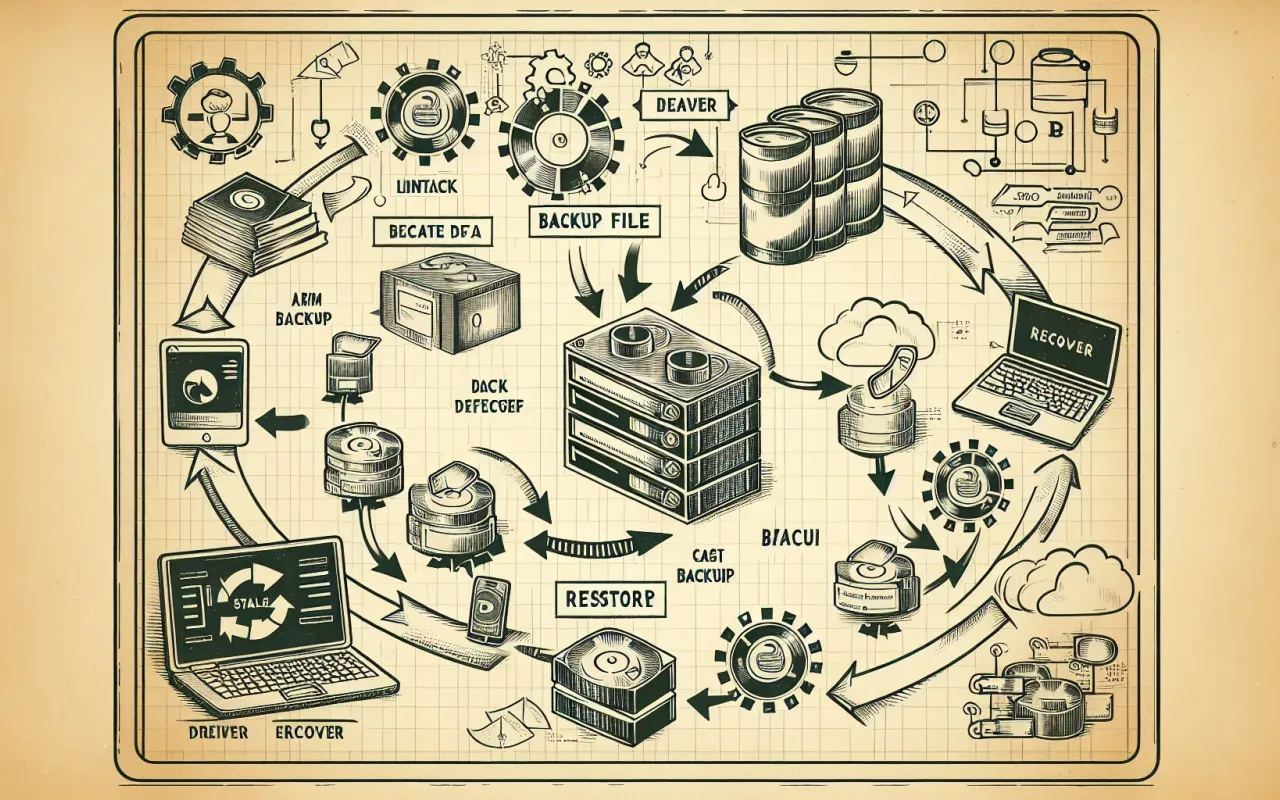
Learn how to effectively recover lost data from backup with detailed steps and best practices for ensuring a successful data restoration.
- August 6, 2024
Data loss can be a daunting experience. Whether it's due to a system failure, accidental deletion, or malicious activity, losing vital information can disrupt personal and professional activities. Fortunately, if you've been diligent about creating backups, you can restore your data efficiently. This article provides a comprehensive guide to recovering lost data from backup, ensuring you have the knowledge and tools needed for a successful data restoration.
Understanding Data Backup and Its Importance
Data backup is the process of creating copies of data to protect against data loss. These backups can be stored on various media including external hard drives, cloud services, and network-attached storage (NAS) devices. The primary goal of a backup is to ensure data can be retrieved in case the original data is lost or corrupted.
Why Is Data Backup Crucial?
Data can be lost due to several reasons, such as hardware failure, software glitches, human error, or cyberattacks. Having a reliable backup strategy offers the following benefits:
- Quick recovery from data loss incidents
- Protection against ransomware and other cyber threats
- Compliance with data protection regulations
- Peace of mind, knowing your data is safe
Steps to Recover Lost Data from Backup
When it comes to recovering lost data from backup, following a structured approach can enhance the success rate of restoration. Here are the key steps:
1. Identify the Cause of Data Loss
Understanding why data was lost is crucial for choosing the most appropriate recovery method. It also helps in preventing further losses during the recovery process. Common causes include accidental deletion, virus attacks, system crashes, and hardware failures.
2. Locate the Backup
Ensure you know where your backups are stored. This could be on an external hard drive, a cloud service, or within a dedicated backup system. Having a catalog or a log of your backups can simplify this step.
3. Verify Backup Integrity
Before starting the recovery, verify that your backup is intact and not corrupted. Most backup software includes tools to check backup integrity. This step is essential to ensure a smooth restoration process.
4. Select the Appropriate Backup Version
If you have multiple backup versions, choose the one closest to the date before the data loss occurred. This ensures minimal data loss and the most recent version of your files.
5. Use Backup Software Tools
Leverage the software used for your backup to initiate the recovery process. Many modern backup solutions provide intuitive interfaces and step-by-step wizards to guide you through data restoration.
6. Monitor the Recovery Process
Keep an eye on the recovery progress. Ensure that all files are restored correctly and without any errors. Any issues detected at this stage can often be resolved with the help of technical support from your backup service provider.
7. Validate the Restored Data
Once the recovery is complete, verify the restored data. Check that all files are accessible and functional. This step helps ensure that the recovery was successful and that no data is missing or corrupted.
Best Practices for Effective Data Recovery
Implementing best practices ensures that your data recovery efforts are efficient and effective. Here are some tips to consider:
Regularly Update Backups
Schedule regular backups to ensure that the most recent data is always available for recovery. Daily or weekly backups are recommended based on the frequency of data changes.
Maintain Multiple Backup Copies
Store backups in different locations, such as on-site and off-site. This protects against physical disasters like fires or floods. Using cloud storage as one of your backup locations can provide an added layer of security.
Test Backup and Recovery Procedures
Periodically test your backup and recovery procedures to ensure everything works as expected. This includes checking if backups are being created correctly and if the recovery process restores all necessary data.
Document the Recovery Process
Maintain detailed documentation of your recovery procedures. This can include step-by-step guides, troubleshooting tips, and contact information for technical support. This documentation can be invaluable during an actual data loss event.
Conclusion
Recovering lost data from backup need not be a stressful experience if you’re well-prepared. By understanding the importance of regular backups, following structured recovery steps, and adhering to best practices, you can ensure that your data restoration efforts are successful. Keep your backup systems updated, verify the integrity of backups, and be ready to tackle any data loss incidents with confidence. Remember, preparation is the key to effective data recovery.