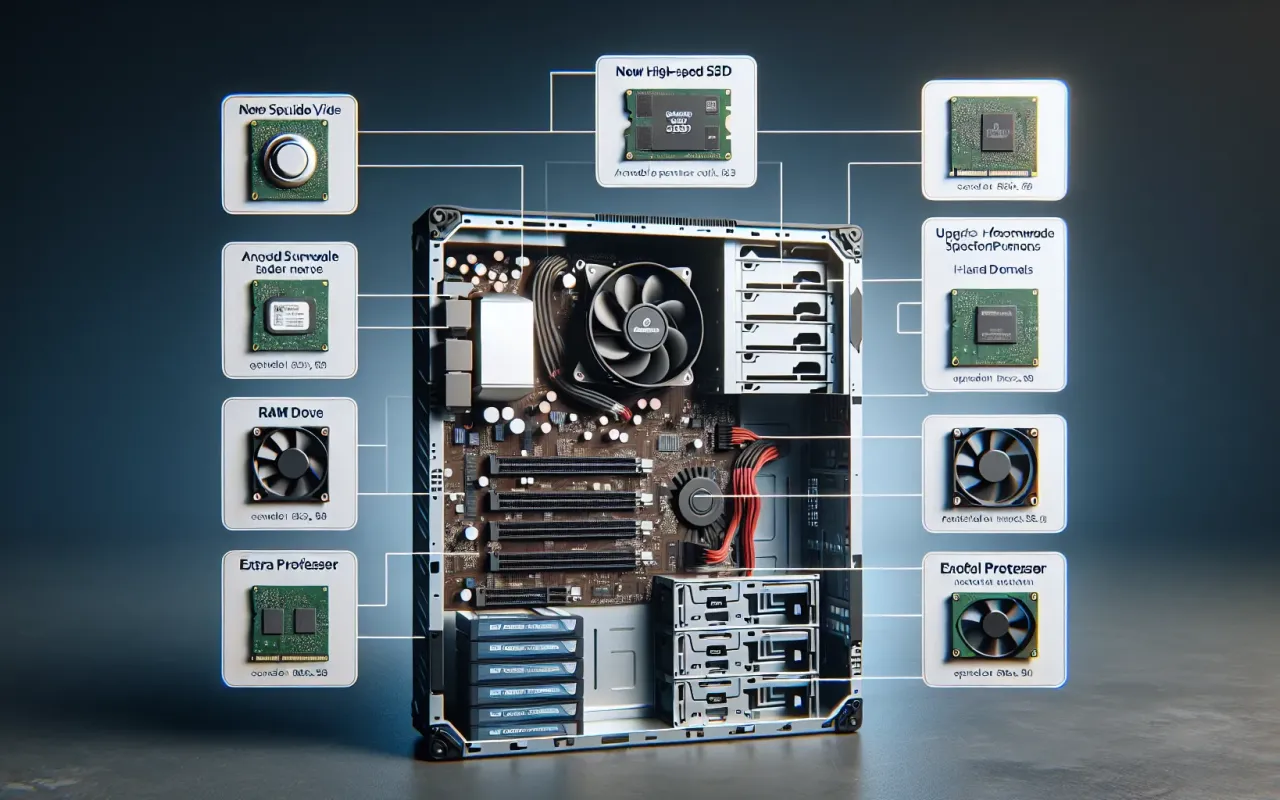
Discover 10 affordable hardware upgrade solutions that can significantly boost your PC performance without breaking the bank.
- October 11, 2024
AceShowbiz - Is your computer slowing down? The good news is you don't necessarily need to break the bank to see a noticeable improvement. This article explores 10 affordable hardware upgrade solutions designed to enhance PC performance effectively. By targeting your computer's key components, you can enjoy faster speeds, better multitasking, and a smoother overall experience.
1. Upgrade to an SSD
One of the most impactful upgrades you can make is switching from a traditional hard drive (HDD) to a solid-state drive (SSD). SSDs offer significantly faster read and write speeds, resulting in quicker boot times and faster file transfers. A 240GB SSD can often be found for under $50, making it a cost-effective way to breathe new life into an older machine.
2. Add More RAM
Increasing your system's Random Access Memory (RAM) can improve performance, especially if you're running memory-intensive applications. Upgrading from 4GB to 8GB or even 16GB can make multitasking smoother and speed up software performance. RAM prices have become much more affordable, with 8GB modules available for as low as $30.
3. Upgrade Your GPU
If you're a gamer or use graphics-intensive applications, upgrading your Graphics Processing Unit (GPU) can make a huge difference. While high-end GPUs can be expensive, budget-friendly options like the NVIDIA GeForce GTX 1050 Ti can still offer considerable performance boosts for a reasonable price.
4. Invest in a Better CPU Cooler
An overheated CPU can throttle performance. Investing in a better CPU cooler can keep your processor running at optimal temperatures. Affordable air coolers, such as the Hyper 212 EVO, provide excellent cooling solutions without breaking the bank.
5. Add a Secondary Storage Drive
Running out of storage can slow down your system. Adding a secondary hard drive for extra storage can improve overall performance. A 1TB HDD is quite affordable and can provide ample space for files, freeing up your faster SSD for system tasks.
6. Upgrade Your Power Supply Unit (PSU)
A reliable power supply unit (PSU) is critical for consistent performance. An underpowered PSU can cause instability and prevent parts from running at full capacity. High-quality PSUs can be found for around $50, ensuring your system receives stable power.
7. Use Thermal Paste
Over time, the thermal paste between your CPU and cooler can degrade, leading to higher temperatures. Reapplying thermal paste is an inexpensive way to improve heat transfer and maintain better operating temperatures, often costing less than $10.
8. Upgrade Your Monitor
While not a direct upgrade to your PC's internal hardware, a better monitor can significantly improve your computing experience. An affordable 1080p monitor with a higher refresh rate can make everything look smoother, reducing eye strain and improving productivity.
9. Install a Wi-Fi Card
Connectivity issues can severely hinder your online activities. Installing a dedicated Wi-Fi card can improve your internet signal strength and stability. Many reliable Wi-Fi cards are available for under $30, offering better performance than built-in solutions.
10. Replace Old Cables
Old, worn-out cables can cause connectivity and performance issues. Replacing SATA cables, power cables, or upgrading to newer standards like USB 3.0 can make a meaningful difference. Quality cables are generally inexpensive and can ensure your components are working at their best.
Conclusion
Upgrading your PC doesn't have to be an expensive endeavor. By focusing on affordable hardware upgrade solutions, you can significantly boost your system's performance without breaking the bank. Whether it's enhancing storage with an SSD, adding more RAM, or upgrading your cooling system, each of these suggestions can provide noticeable improvements. Evaluate your computer's needs and prioritize the upgrades that will offer the most significant benefits to optimize your performance.