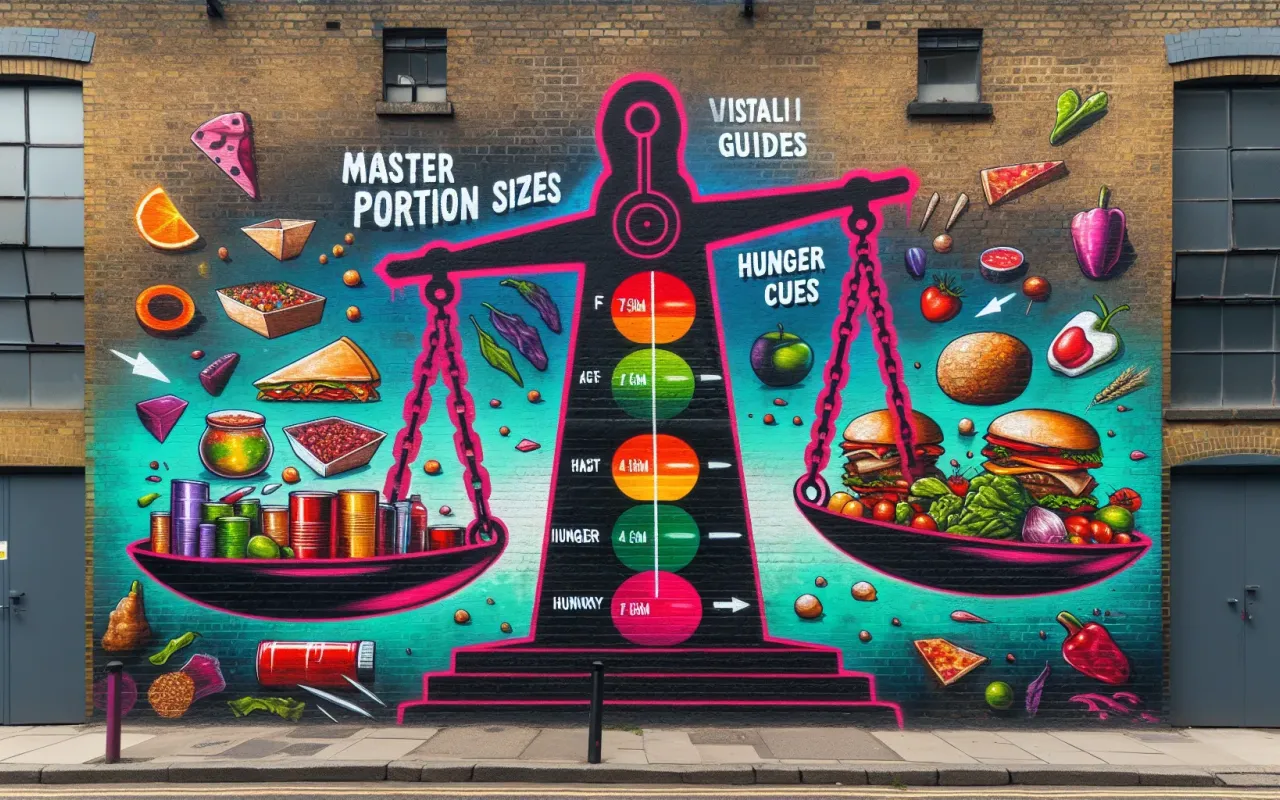
Master the art of managing portion sizes through hunger cues with this comprehensive guide. Learn how to listen to your body and control portions effectively.
- September 9, 2024
Learning to manage portion sizes by listening to your hunger cues can be a game-changer for your health. In this guide, we’ll explore how you can master portion control through a better understanding of your body's signals.
Understanding Hunger Cues
To begin managing portion sizes through hunger cues, it’s essential to understand what hunger cues are. These are physiological signals from your body alerting you to your need for food. These cues can range from a growling stomach to low energy levels or even irritability.
Types of Hunger
- Physical Hunger: This is true hunger, driven by the body's need for nutrition. Signs include stomach growling, feeling light-headed, or having low energy.
- Emotional Hunger: This type often results from stress, boredom, or emotional distress and not from the body's real need for nourishment.
Recognizing Your Hunger Cues
Recognizing your hunger cues involves being mindful of your body's signals. This awareness can prevent overeating and help you make conscious decisions about when and how much to eat.
Methods to Recognize Hunger Cues
- Mindful Eating: Slow down and pay attention to your eating process. Notice the flavors, textures, and aromas of your food, which can help you tune into your hunger and fullness signals.
About This Article
AI-Assisted Content: This article was created with the assistance of artificial intelligence technology under human editorial oversight. Our editorial team reviews and verifies all AI-generated content for accuracy.
Sources: Information in this article may be aggregated from publicly available sources including press releases, news agencies, and entertainment industry sources. We provide attribution where applicable and strive to ensure factual accuracy.
Learn More: For details about our editorial standards and practices, visit our Editorial Standards page.
Contact: Questions or concerns? Email us at [email protected]
Follow AceShowbiz.com @ Google News