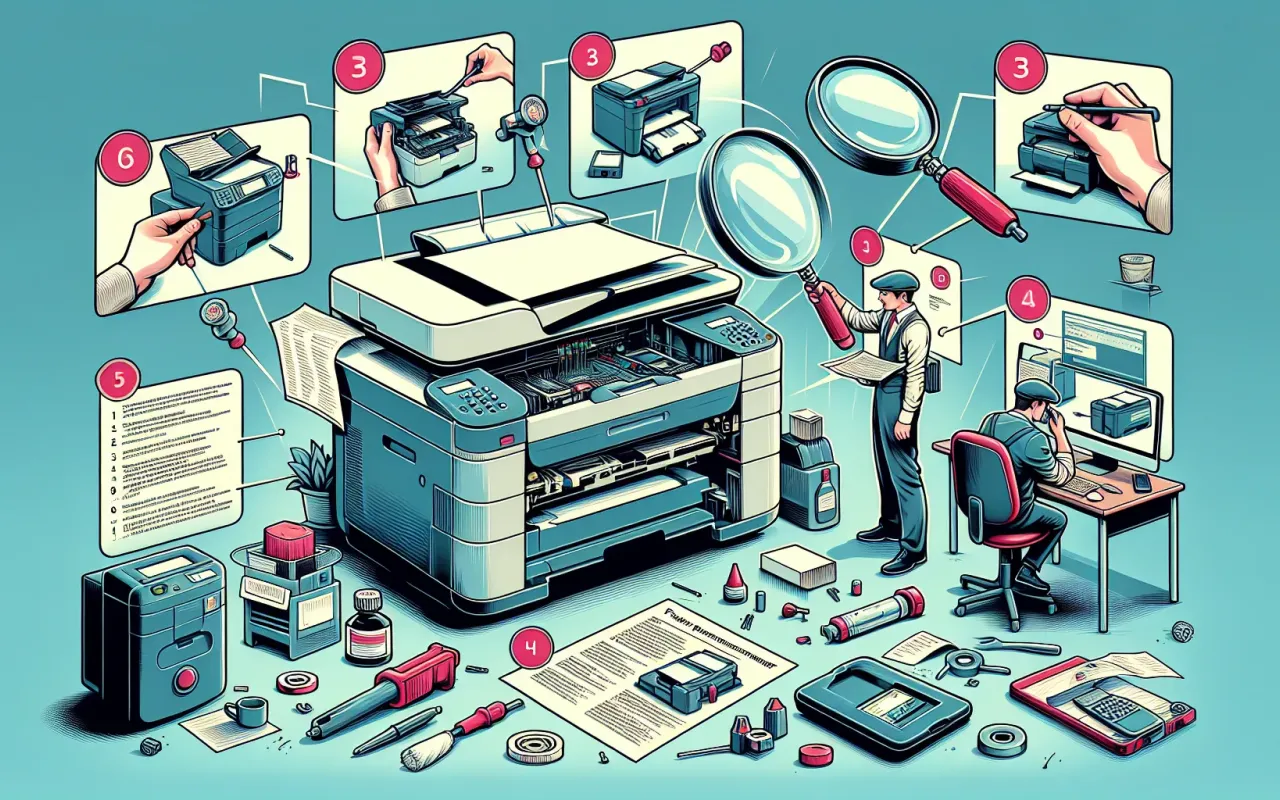
Discover the top printer maintenance troubleshooting tips to ensure your device runs smoothly. From cleaning to software updates, learn how to keep your printer in top shape.
- August 28, 2024
Printers, like any piece of technology, require regular maintenance to function optimally. Neglecting simple maintenance tasks can lead to performance issues, malfunctions, and ultimately shorten the lifespan of your printer. In this article, we provide ten essential printer maintenance troubleshooting tips to help you keep your device running smoothly and efficiently.
1. Regularly Clean the Printer
Dust and debris can accumulate inside the printer, causing paper jams and print quality issues. Use a soft, lint-free cloth to wipe down the exterior and interior of your printer. For the interior, you may use a can of compressed air to blow out any dust particles.
2. Perform Routine Printer Calibration
Printer calibration ensures that your prints are accurately aligned and that colors are consistent. Most modern printers have a calibration feature built into their software. Refer to your printer's manual for specific instructions on how to perform calibration.
3. Use the Right Paper
Always use the type of paper recommended by your printer manufacturer. Using incompatible paper can result in poor print quality and can also cause paper jams. Additionally, ensure that the paper is loaded correctly in the tray to avoid feeding issues.
4. Keep Your Printer Software Up-to-Date
Manufacturers frequently release software updates that can enhance your printer’s performance and fix known issues. Regularly check for updates on the manufacturer’s website and install them promptly.
5. Replace Cartridges Before They Run Dry
Running your printer with low ink or toner can damage the printer head or heating component. Keep an eye on ink or toner levels, and replace cartridges before they completely run dry to maintain print quality and avoid damage.
6. Avoid Overworking Your Printer
Regularly printing large volumes can overheat your printer and lead to component wear. Allow your printer to rest between large print jobs to prevent overheating and ensure longevity.
7. Address Paper Jams Promptly
If a paper jam occurs, follow the manufacturer's instructions for clearing it. Avoid tearing the paper, as remnants can obstruct printer components. Regularly inspect the paper path to ensure it’s clear of obstructions.
8. Regularly Check and Clean Printer Heads
Clogged printer heads can result in streaks and poor-quality prints. Most printers have a head-cleaning utility that you can use when needed. Refer to your printer's manual on how to perform this function.
9. Conduct Periodic Deep Cleaning
Beyond routine cleaning, perform a deep clean every few months. This can include disassembling parts of the printer, such as the print head and rollers, for a thorough clean. Ensure the printer is turned off and unplugged before performing a deep clean.
10. Store Your Printer Properly
If you won’t be using your printer for an extended period, store it in a cool, dry place. Remove ink or toner cartridges to prevent them from drying out or leaking. Cover the printer to protect it from dust.
Conclusion
Regular maintenance is crucial to keep your printer running efficiently and extending its lifespan. By following these ten printer maintenance troubleshooting tips, you can prevent common issues and ensure your printer delivers high-quality performance consistently. Remember, taking a proactive approach to printer maintenance not only saves you money but also reduces downtime and frustration associated with printer problems.